Navigate Liberty's settings menu. Learn where to customize profile, privacy settings, preferences, and access advanced features.
Tanvir A
Co-Founder & Senior AI Engineer
7 min read
Liberty's settings menu is your control center for customization, privacy, and account management. This guide walks through every section and shows you where to find specific features.
Accessing Settings
To open Liberty Settings, you have two convenient options:
Settings Icon in Sidebar: Click the settings gear icon in the left sidebar (usually at the bottom) to instantly open the settings modal
Available Settings Tabs
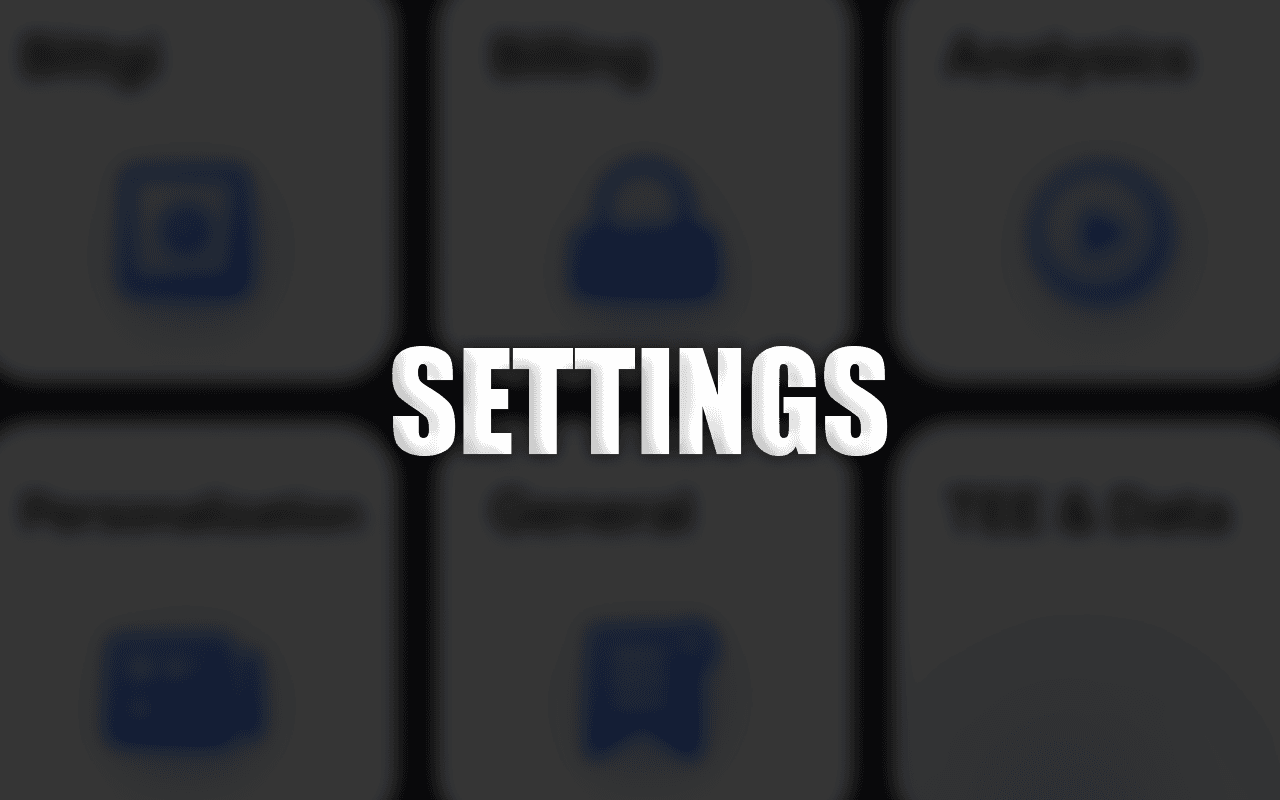
Liberty Settings are organized into 6 tabs. Each tab groups related settings for easy navigation:
grid
Settings Tabs Overview
Settings Modal Tabs:
1. Profile - Account identity & appearance
2. Billing - Subscription & payment management
3. Analytics - Usage statistics & insights
4. Personalization - AI behavior & conversation memory
5. General - Theme & language preferences
6. TEE & Data Control - Privacy modes & data retention
Profile Tab
Manage your account identity, profile picture, and account information.
Display Name: Edit your account name shown to other users
Profile Picture: Upload a custom avatar or choose from preset icons
Random Icon: Shuffle through icons to find one you like
Account Email: View your account email address
Logout: Sign out from Liberty
Delete Account: Permanently delete your account and all data (be careful—this action is irreversible)
Billing Tab
Manage your subscription plan, billing, and payment methods.
Current Plan: View your subscription tier (Free or Pro)
Upgrade to Pro: Click "Get Pro" button to start subscription with region-specific checkout
Manage Subscription: Access your billing portal to update payment methods and manage your subscription
Plan Comparison: See side-by-side comparison of Free vs Pro features
Payment Privacy
Liberty uses Polar for billing processing. Your credit card information is NOT stored on Liberty servers - it's processed directly through payment providers with PCI-DSS compliance.
Analytics Tab
View your usage statistics and activity insights.
Total Searches: All-time count of your searches and queries
Extreme Search Usage: Track how many extreme research operations you've used
Images Generated: Total count of images you've created with Liberty
Videos Generated: Total count of videos generated
Daily Usage (Free Users): View remaining daily limits for searches and image generation
Activity Graph: Visual contribution graph showing your usage over time (last 6-9 months)
Refresh Data: Click refresh button to get latest usage statistics
Personalization Tab
Customize AI behavior and manage conversation memories.
Custom Instructions: Define how Liberty behaves in all conversations
Personalization Fields: Name, occupation, personality traits, and additional context
Save Instructions: Liberty uses these to tailor responses to your style and preferences
Memories: View and manage long-term conversation memories (what Liberty remembers about you)
Delete Memories: Remove specific memories or clear all memories
Memory Timestamps: See when memories were created and last updated
Custom Instructions Example
You could add: I'm a software engineer working on Rust backend systems. Always provide code examples in Rust, assume knowledge of async/await patterns, and explain concepts in terms of systems performance.
General Tab
Customize appearance and language settings.
Appearance: Choose between Light, Dark, or System (follows OS preference)
Response Language: Choose the language for AI responses and generated content
Language Options: Supports 12+ languages (English, Spanish, French, German, Chinese, Japanese, Arabic, Hindi, Bangla and more)
Theme Persistence: Your appearance preference syncs across all devices
Data Retention Policy: Choose automatic deletion timing (7 days, 1 month, 3 months, 6 months, 1 year, or never)
Next Deletion Date: See when your data will be automatically cleared
Privacy Features
Ghost Mode ensures nothing is stored on Liberty servers. TEE ensures processing happens in hardware-isolated environments. Combine both for maximum privacy.
Did you find this helpful?
Share with others exploring privacy and decentralized AI.